
AI 3D game maker
Turn a scene into a 3D game
Describe the world and the action. Tinker assembles a compact 3D experience that runs directly in the browser.
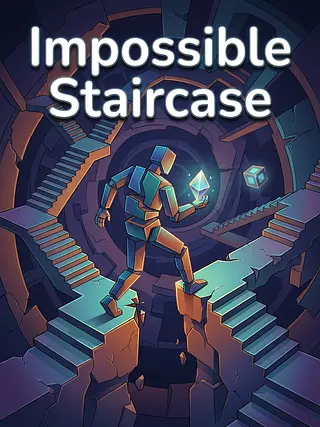
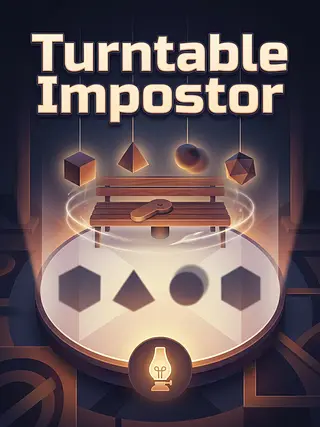
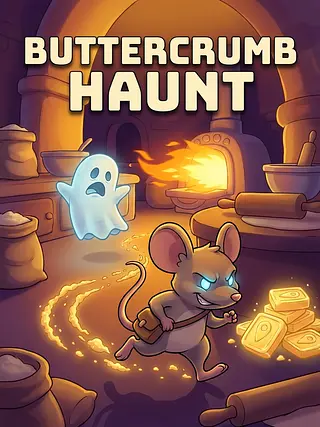
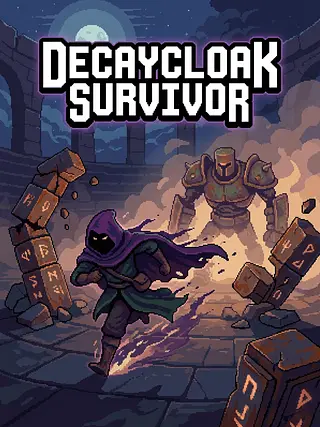
Playable proof
Squishy Unboxing Trade

What AI 3D game maker means on Tinker
Tinker turns a plain-language brief into one self-contained browser game, then validates and test-runs it before publishing.
How it works
01
Describe the idea
Name the action, setting, mood, or outcome you want.
02
Let Tinker build
The pipeline plans the experience, creates its media, writes the game, and boots it in a real browser.
03
Play and refine
Test the result, ask for focused changes, then publish a link anyone can open.


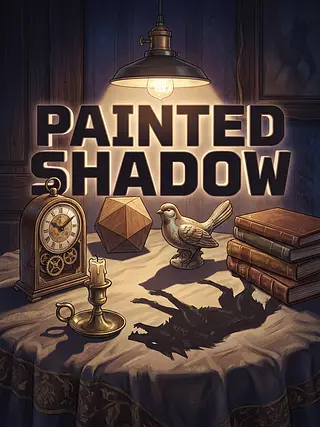

Why Tinker
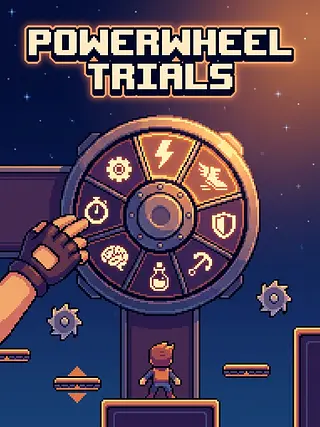
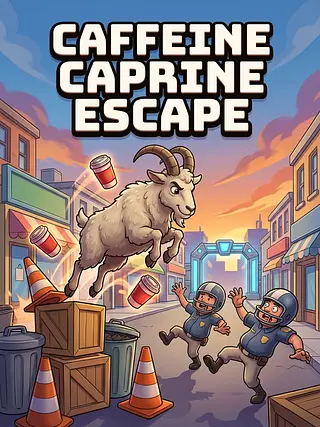
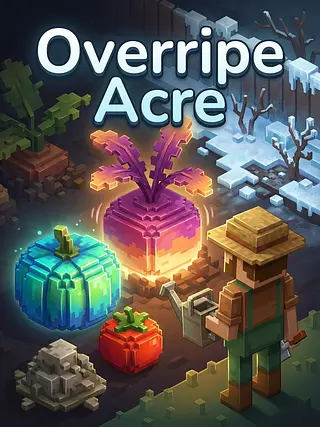
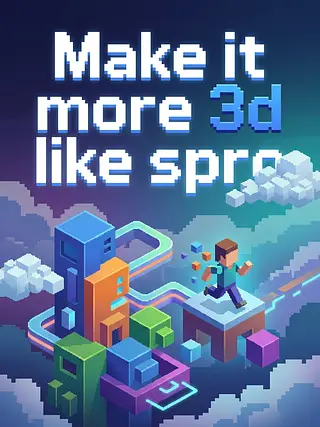
Playable proof
The result is a working browser experience, not a static concept image.
Plain-English edits
Change speed, difficulty, rules, art, or controls without learning an engine.
Ready to share
Published Bits include a public page, social features, and a direct play link.
Safe browser runtime
Every generated Bit runs inside Tinker's locked-down game sandbox.
Ways to turn an idea into a game
| Approach | Setup | First playable | Editing |
|---|---|---|---|
| Tinker | Describe it | About 1–2 minutes | Plain English |
| Traditional engine | Install and configure | Hours to weeks | Code and editor tools |
| No-code builder | Choose a template | Minutes to hours | Visual rules and templates |
Questions, answered
Does AI 3D game maker require coding?
No. Describe what you want in plain language and Tinker handles the implementation.
How quickly can I play the result?
Most Bits are ready in about one to two minutes; complex 3D or story builds may take longer.
Can I change the generated game?
Yes. Ask for changes in the editor and publish a new version after you test it.
Can other people play it?
Yes. A published Bit has a browser link you can share with anyone.